Zipper Lockscreen Wallpaper 4K
Publisher Description
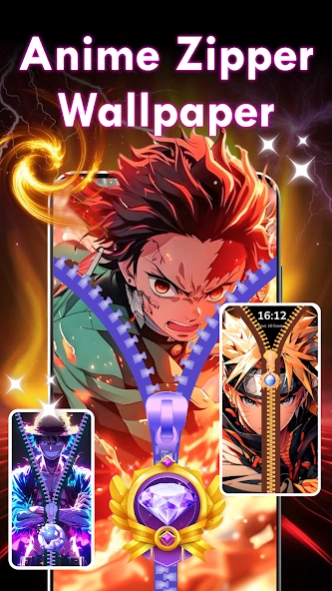
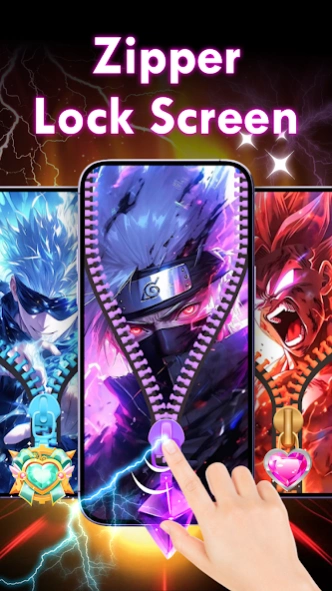
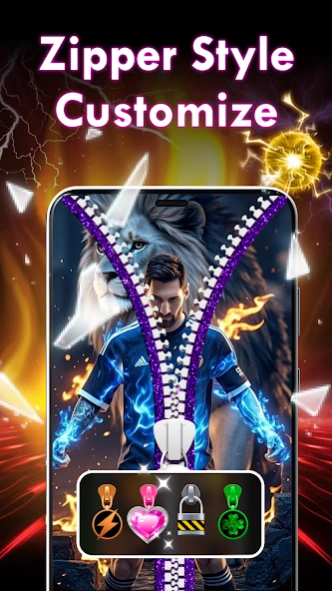
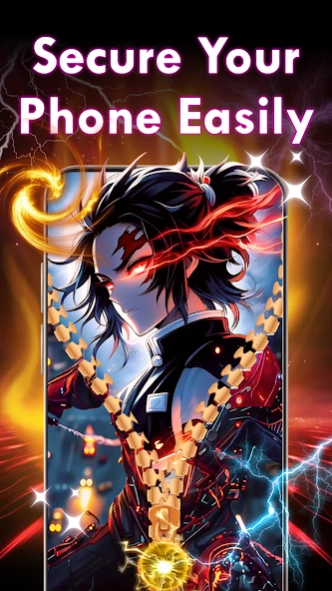
Zip Lock Screen Wallpapers - Zip Locker: Unlock your phone w beautiful zip theme
Zipper Lock Screen Wallpapers - Idea for Phone security is one of the secure screen locks apps that lets you unlock a phone with realistic zipper opening effects and zip wallpapers. With the mesmerizing zipper lock screen, you stand out from other boring lock screen.
Transform your phone's lock screen into a stylish, secure, and interactive experience with Zipper Lock Screen & Wallpaper. Personalize your device with breathtaking themes, creative zipper effects, and HD wallpapers designed to reflect your unique style!
💛DISCOVER FANTASTIC ZIPPER LOCK SCREEN WALLPAPERS - NEW IDEA FOR PHONE SECURITY
- Unique Zipper Effects: Unlock your phone by swiping a realistic zipper with smooth animations.
- Stylish Themes: Choose from diverse wallpapers like super anime, cartoon, hero, neon, celebrity themes.
- Customizable Features: Change zipper styles, colors, and designs to create a lock screen that matches your vibe.
- Fun & Secure: Protect your device with an elegant zipper lock while enjoying a playful unlocking experience.
✨ Key Features:
- HD Wallpapers: Explore categories like anime, cartoon, hero, neon, celebrity , DIY , and more for both lock screens and home screens.
- Interactive Effects: smoothy animation effects that play when unzipping your screen.
- Preview Mode: See your customizations instantly before applying them.
••••HOW IT WORKS••••
■
Download and install the 3D Zipper Lock Screen Wallpapers App to security screen lock.
■ Customize Wallpaper, Zipper Style, Row Style to personalize your own zip screen lock.
■ Enjoy your Unique 3D Zipper Lock Screen!
The Foreground Service permission ensures the appropriate use of user-facing foreground services. For apps targeting Android 14 and above, you must specify a valid foreground service type for each foreground service used in my app.
Elegant zipper lock screen is very easy to apply. Just click the Select button and the zipper lock will be displayed every time you unlock your device.
Each time you modify something you can also click "Preview" to see how it will look when the zipper lock screen is activated. This option makes it very easy to use the app, because you don’t have to make a change then exit, see if you like it and then come back to settings. You can do everything right here inside the app.
About Zipper Lockscreen Wallpaper 4K
The company that develops Zipper Lockscreen Wallpaper 4K is PrimeStudio. The latest version released by its developer is 1.0 .
To install Zipper Lockscreen Wallpaper 4K on your Android device, just click the green Continue To App button above to start the installation process. The app is listed on our website since 2025-05-26 and was downloaded 71 times. We have already checked if the download link is safe, however for your own protection we recommend that you scan the downloaded app with your antivirus. Your antivirus may detect the Zipper Lockscreen Wallpaper 4K as malware as malware if the download link to com.ziplock.lockscreen.zipscreen is broken.
How to install Zipper Lockscreen Wallpaper 4K on your Android device:
- Click on the Continue To App button on our website. This will redirect you to Google Play.
- Once the Zipper Lockscreen Wallpaper 4K is shown in the Google Play listing of your Android device, you can start its download and installation. Tap on the Install button located below the search bar and to the right of the app icon.
- A pop-up window with the permissions required by Zipper Lockscreen Wallpaper 4K will be shown. Click on Accept to continue the process.
- Zipper Lockscreen Wallpaper 4K will be downloaded onto your device, displaying a progress. Once the download completes, the installation will start and you'll get a notification after the installation is finished.
